

















Connect with others to answer questions, gain new insights, and grow your networking knowledge.
Recently active
I am running a custom command(show interface status) against all Cisco Nexus routers which will show the interface hardware SFP type.How do I get this SFP info through NQE? I am not getting the SPF printed, tried multiple was. Can anyone help me on this. foreach cliCommandResponse in endpoint.cliCommandResponsescliCommandResponse.command == "show interface status"select {endpointName: endpoint.name,command: cliCommandResponse.command,response: cliCommandResponse.response}
Could you help simulate the staging of new BGP peers, route-maps, and new routes to understand how they might impact route path behavior? I am planning to stage a change that involves adding a new link and BGP peer, with the expectation that routes will prefer the new path after the change. Can this scenario be simulated in the forward network to validate the expected behavior? So far, I’ve attempted to simulate the changes, and I can see the new/modified interfaces and the transit IPs. However, I don’t see the BGP peer. Am I missing something in the simulation process? Any guidance would be appreciated. Are there any limitation with the simulation feature.
I created this guide to help explain the group by statement in Network Query Engine (NQE), using a real example where I needed to extract CDP neighbor information from Cisco devices. If you're trying to clean up duplicate entries or shift your query’s focus from devices to neighbors, this walkthrough should make group by much more approachable. How I think about group byI think about group by as a way to shift the focus of data from one primary association to another. For me, the key is figuring out what information is unique per device and what stays consistent across devices or throughout the network. Using group by, I can take repeated entries (like neighbors showing up on multiple devices) and consolidate them so each shared element appears once, with its associated device-specific details grouped alongside it.One crucial nuance I’ve learned: after the group by statement, only the variables I explicitly include in the grouping are accessible. So I always make sure to gather everyt
On September 30, 2025, Microsoft will retire the default outbound access method for Azure VMs. This means any new deployments without an explicitly configured egress path (like a NAT gateway or public IP) will no longer have outbound Internet access by default. Why does this matter? Default outbound access is:Implicit and brittle — IPs are assigned by Microsoft and can change without notice Insecure — Opens potential paths to the internet that may go unnoticed Deprecated — Will soon be unavailable for new resources Microsoft recommends using explicit outbound connectivity, such as:Subnets associated with a NAT Gateway VMs in the backend pool of a standard Load Balancer with outbound rules VMs with explicitly assigned public IPs Read Microsoft’s official guidance How to Audit Your Azure Subnets for Missing NAT Gateways With Forward Networks, you can identify Azure subnets that have Internet-bound routes but no associated NAT Gateway — a risky configuration in today’s Zero Trust wor
I am trying to locate all of my fiber 100Mbps interfaces because they are being phased out by various vendors and not supported on newer equipment.The data model has an interface speed value (ethernet.speedMbps) but not seeing a medial type - I can see both inside the interface details however the speed/media is naturally in strings without spaces so challenging to pull out. I was looking to see if both speed and media types were in the data model for a simple NQE vs having to parse out the interface details. Also the interface speed value (ethernet.speedMbps) but it appears that if bandwidth is statically configured, that value is used - on Cisco devices bandwidth can be set to value for protocol calculation but is not necessarily matching the actual interface speed.
Hello NQE Enthusiasts, It has been two months, so time for another challenge. ChallengeThe task is to list Name, Age and Pets owned by all people under 20 years old, that own fish. Input:persons =[{ Name: "Tim", Age: 21, pets:["dog", "mouse", "fish"] }, { Name: "Mark", Age: 19, pets: ["dog", "fish", "cat"] }, { Name: "Nina", Age: 18, pets: ["snake", "lizard"] }, { Name: "Leroy", Age: 24, pets: ["fish"]}, { Name: "Sally", Age: 11, pets: ["dog", "fish"] }]; Example Result[Name, Age, Pet…….] Contributions: Unclaimed
Is it possible to write a Forward NQE query that will produce a list of firewall rules that have not been used in the last 90 / 180 / 365 days (based on hit count)? It would be helpful to have firewall name, the rule ID numbers, and last used date/time if possible.
After some digging and working with other FN personnel, it appears that the above mentioned NQE is missing all 17.12, and all 03. IOS versions in the data model for the OS Support NQE report. This was determined first by modifying an NQE to run a check against the OS Support and return violations for those IOS that are no longer supported, which would come back as failed. Good IOS would report as pass. However, the above mentioned IOSs all returned a value of “Indeterminate”. Which then made us look at the OS Support NQE itself and the devices associated with the above/below IOS versions are not listed on the report, but they are in the regular inventory. Known Affected IOS (from our known devices):03.01.0103.07.04E03.11.03a03.11.0503.11.0817.12.0317.12.0417.12.04a17.12.04b
This query returns a list of devices, their public BGP peers, and the prefixes advertised to each peer.Note that the line where neighbor.neighborAddress not in nonPublicIps limits the output to peers whose IP is not an RFC 1918 or link-local IP address./*** @intent Lists public BGP peers and what prefixes are advertised to them*/import "@fwd/L3/IpAddressUtils";// The prefixes that are advertised from device to neighborAddressgetAdvRoutes(device, neighborAddress) = foreach x in [1] where isPresent(device.bgpRib) let bgpRib = device.bgpRib foreach afiSafi in bgpRib.afiSafis foreach neighbor in afiSafi.neighbors where neighbor.neighborAddress == neighborAddress where isPresent(neighbor.adjRibOutPost) let adjRibOutPost = neighbor.adjRibOutPost foreach route in adjRibOutPost.routes select distinct route.prefix;// List of IP subnets to excludenonPublicIps = ipAddressSet(privateSubnets + [ipSubnet("169.254.0.0/16")]);foreach device in network.devicesforeach networkInstance in de
Is often necessary to audit the same setting across multiple vendors.For example, the NTP server setting differs across vendors.You can write an exportable function that returns the NTP servers for ANY device type.The following NQE query creates a reusable function called getNtpServers with the export command. The function takes a single argument device and returns a list of NTP servers based on the device type. A different function is called using the when statement based on the OS. Note that the NTP server configuration in Cisco devices is in the device.files.config file (the running configuration), but for Fortinet and F5 devices you need the result of a Custom Command to see the NTP configuration.Note also that the same nested function getCiscoNtpServers is used for multiple Cisco OS types.If you find an OS type or pattern that isn’t identified, you can add in new patterns and functions, or alter or expand the patterns already included./** * @intent Helper function getNtpServers(de
Often you need to verify that the configuration of your network matches certain requirements. These could be standard benchmarks, such as CIS benchmarks, or internal benchmarks specific to your environment.For example, you may need to:Verify that all Cisco devices have only SSH version 2 enabled Verify that all Palo Alto devices have a login banner set Verify the mininum password length for Fortinet devices Combining multiple checks into a single NQE queryYou can verify these settings, or anything else in the configuration, using NQE. Verify that all Cisco devices have only SSH version 2 enabled The following query looks for the exact pattern ssh version 2 in the device configuration file (device.files.config). If the pattern does not exist (!checkpattern), then the violation will be True. pattern =```ssh version 2```;checkPattern(config) =hasBlockMatch(config, pattern);foreach device in network.deviceswhere device.platform.vendor == Vendor.CISCOselect {device: device.name,os: device.p
In Inventory, you have probably noticed how some table columns make it easy to spot issues at a glance. Green means things are healthy and red means something needs attention. The Status column in the Network devices table, located in Inventory, is a good example: “processed” shows up in green while something like “connection refused” stands out in red.Now, you can bring the same visual feedback into your own NQE queries. We’ve added a new builtin called withInfoStatus. It lets you tag any value in your result table with a label: OK, WARNING, or ERROR. The results table uses that label to color values appropriately.Here is an example. Suppose you want to flag devices whose OS support has already ended. This query checks if the support date is in the past and then labels it. foreach device in network.deviceslet platform = device.platformlet osSupport = platform.osSupportwhere isPresent(osSupport) && isPresent(device.snapshotInfo.collectionTime)let collectionDate = date(device.s
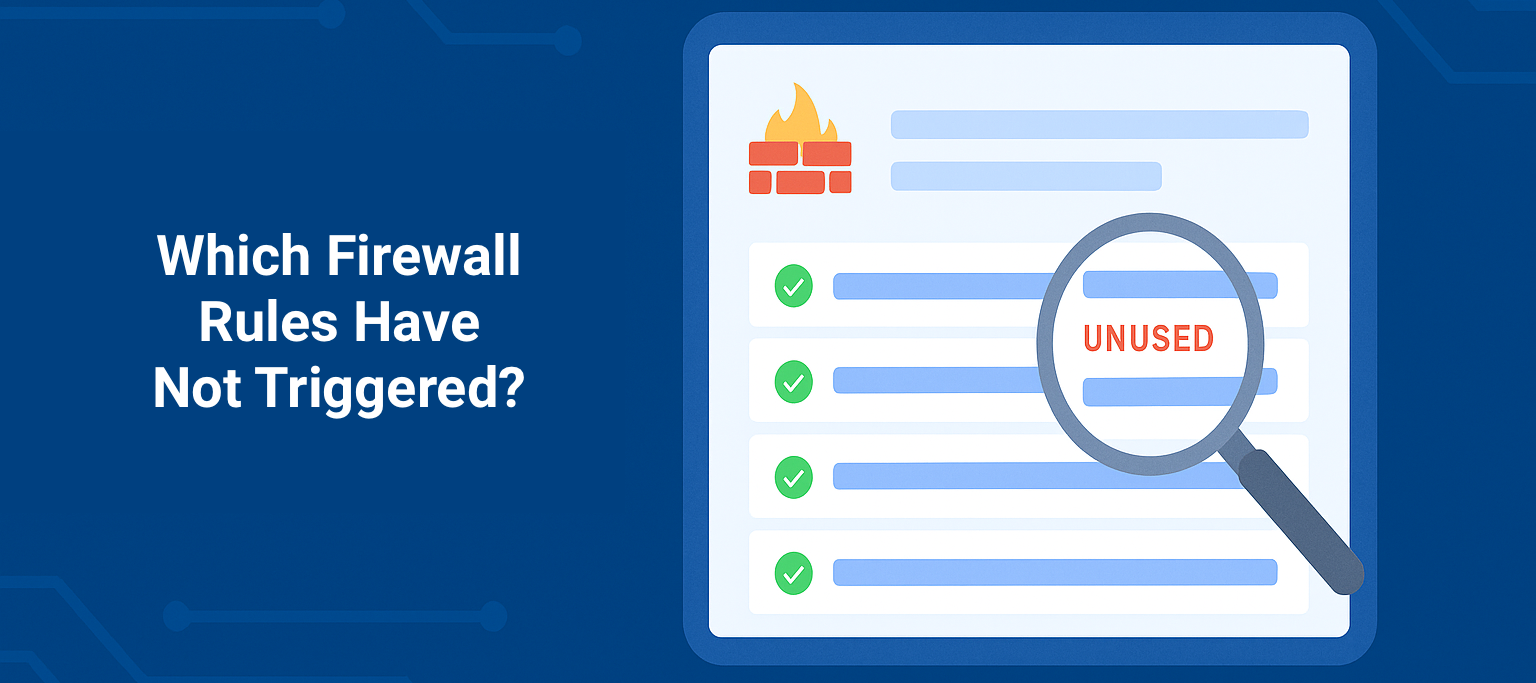
This NQE script helps you spot firewall rules that haven’t processed traffic lately. It flags rules as unused if they haven’t processed any packets in the last 30 days—but only on active firewalls (not ones in BACKUP or STANDALONE_INACTIVE modes).If you have rules that are supposed to be quiet (like for failover scenarios), you can list them in expectedUnusedRules so they don’t show up as false positives.As a bonus, it also highlights newly created rules—anything added in the last 30 days—so you get visibility into what’s changing as well as what’s sitting idle.All timing is based on the device’s snapshot collection time. You can also find this script in the Forward NQE LibraryForward Library > Security > Firewalls with Unused Security Rules/** * @intent Verifies that active firewalls have no unused security rules * @description This query considers a rule to be unused if it last processed * a packet more than 30 days ago. This query only applies this check to * firewalls that
what scripting language NQE use?
This is for On-Prem environments, to securely retrieve the CVE database file through automation. Create a secure env file (path of your choosing) for your Forward SAAS credentials This keeps secrets out of code and scriptsexport FWD_USERNAME='your_username' # <-- Replace with your Forward SAAS UNexport FWD_PASSWORD='your_password' # <-- Replace with your Forward SAAS PW Add the Python script (path of your choosing) to download the CVE index This is the meat and potatoes of retrieving the file for SAAS#!/usr/bin/env python3import requests, osfrom requests.auth import HTTPBasicAuthusername = os.environ.get("FWD_USERNAME")password = os.environ.get("FWD_PASSWORD")if not username or not password: raise ValueError("Missing credentials.")url = "https://fwd.app/api/cve-index"output_file = "/tmp/cve-index.bin.gz"r = requests.get(url, auth=HTTPBasicAuth(username, password), verify=False)r.raise_for_status()with open(output_file, "wb") as f: f.write(r.content)print(f"Saved to {output
Is it possible to write a Forward NQE query that will produce a list of firewall rules that have been modified in the last 30 days? It would be helpful to have firewall name, the rule ID numbers, and date/time last modified if possible.
This NQE uses the L3 interface info and ARP tables to find the subnets in use on your network. It lists the associated vlan, used addresses, devices, and usage statistics.An optional parameter allows you to search for an IP address, and whether the IP is in use or not, it will display the subnet it belongs to.import "@fwd/L3/Interface Utilities";numHostsInSubnetV4(maskLength) = if 2 ^ (32 - maskLength) >= 4 then 2 ^ (32 - maskLength) - 2 else 2 ^ (32 - maskLength);numHostsInSubnetV6(maskLength) = 2 ^ (128 - maskLength);@queryquery(IP_Addresses: List<IpAddress>) = foreach device in network.devices foreach interface in getL3Interfaces(device) let addresses = (foreach address in interface.ipv4.addresses select { ip: address.ip, mask: address.prefixLength }) + (foreach address in interface.ipv6.addresses select { ip: address.ip, mask: address.prefixLength }) let neighbors = (foreach address in interface.ipv4.neighbors
Picture this…Your phone buzzes on a Saturday morning. "The app is down... it's probably the network." Sound familiar? We all have been there WAY too many times. I had a great conversation with Ethan Banks from #PacketPushers on how Forward Networks can help you get the network insights you need to in order to stop the blame game!. Imagine having the evidence to confidently say, "Nope, not us!" and actually enjoy your weekend. #StopTheNetworkBlameGame Questions about stopping the Network Blame Game? Ask below!
Before I started using Forward Networks, I was deep in the weeds of daily network operations. Like many of you, I relied on the CLI to do everything—whether it was compliance checks, interface audits, or config validation. It worked, but it was slow, manual, and honestly, a bit exhausting. Then I discovered Network Query Engine (NQE), and everything changed. My Background: Life in the CLI Before discovering NQE, I managed networks using CLI commands across dozens or hundreds of devices every day.Logging into individual devices—one at a time Running the same commands repeatedly (show run | include, show run | section, etc.) Copying results into spreadsheets to figure out what was going on Trying to get ahead of issues, but always feeling like I was behind This approach worked for a while, but it became clear that it couldn’t scale with the needs of a modern network. The Breakthrough: Pattern and Block MatchingWhen I began exploring NQE, I realized I didn’t need to learn everythin
Hello Forward Networks!I have a question regarding if it's possible to add support to resolve FQDNs in the Path Search API? Or would we have to rely on our own DNS servers to make the resolutions first to then add the discovered IP Address to the source or destination. Can it be possible for Forward Networks to model FQDNs as independent objects? Apologies if this seems like a silly ask!Thank you
Motivation A customer recently approached me with a challenge: they wanted to feed downstream systems with ordered and banded firewall data. Specifically, they had the following use cases:Identify Top-N firewalls based on configuration complexity and other attributes like greatest number of permissive or shadow rules. Flag percentile-based thresholds for various attributes (e.g., top 10%, bottom 25%) Enable dynamic device selection for exhaustive, compute-heavy rule analysis The challenge? NQE is designed for efficient set-based analysis, therefore it doesn’t require sorting or ranking functions in general. Nevertheless, this customer’s use case called for an approach to simulate these behaviors without external processing.So instead of relying on a built-in sort function, we can create a lightweight, math-driven approach that simulates ranking behavior. It’s fast, deterministic, and works entirely inside the NQE layer so that no external processing or comparisons are required.In th
I am trying to match against a Palo Alto configuration looking for rules that are using a specific destination object. Rules are under this structure:config devices {string} vsys {string} rulebase security rules {rule_name: (string)*} and an example of what I am trying to match is: "Example Rule" e32ff2ab-a82f-43b6-953e-7e113v624779 { destination [ non-client "External SRC EDL" "Another EDL-wehave"]; First line would be the rule name and the second is where I would really want to do the regex match. The items past “destination” can be a single entry or multiples within []’s. If there are spaces in the names then the whole name is confined in “’s. My goal is to find all rules which have “External SRC EDL” in the destination and I can’t quite figure out how to do it. Any help would be appreciated.
How can i get output in single coloum . team , i am using below query to get the NTP Server data , however is tried all option to get the output in single coloum , but i am not sucess. NQE Query ciscontppattern=```ntp server {server:string}```;ciscontppattern2=```ntp server {vrf:string} {dir:string} {ser:ipv4Address}```;patternf5 = ```sys ntp servers { server1:string} {server2:string}```;cisco1(device) =foreach command in device.outputs.commands let response = parseConfigBlocks(device.platform.os, command.response) foreach match in blockMatches(response, ciscontppattern) select match.data.server;cisco2(device) =foreach command in device.outputs.commands let response = parseConfigBlocks(device.platform.os, command.response) foreach match in blockMatches(response, ciscontppattern2) select match.data.ser;getServers(device) =foreach command in device.outputs.commands where command.commandText == "list sys ntp"let filtered_response = replace(command.response, "{", "")let filtered_
Forward Enterprise can integrate with ServiceNow in the following ways: Incident Management - Opening or updating a ServiceNow ticket based on an intent verification failure or change:Forward Docs - Create ServiceNow Incidents CMDB Integration - Pushing updates to the CMBD database with data from Forward Enterprise:Forward Docs - CMDB Integration As a Data Connector with NQE - Extracting data from ServiceNow using an NQE query for use in the NQE Library, Inventory+, or a Decorator by configuring ServiceNow as a Data Connector:Forward Docs - Data Connectors From ServiceNow - By using Flow Designer or Business Rules to access the Forward API. Consult ServiceNow documentation and access one of Forward Enterprise’s API endpoints listed here:Forward Docs - API----The first two integration types above are enabled under Settings > Integrations: The following article shows how to use the Forward API to automate workspace network creation, collection, and diff comparison for Change Control
need to get api nodes url
Already have an account? Login
Enter your E-mail address. We'll send you an e-mail with instructions to reset your password.