


The release of 23.9 introduces two additional features to the Forward Enterprise platform.
Disabling Inactive Accounts After a Set Number of Days
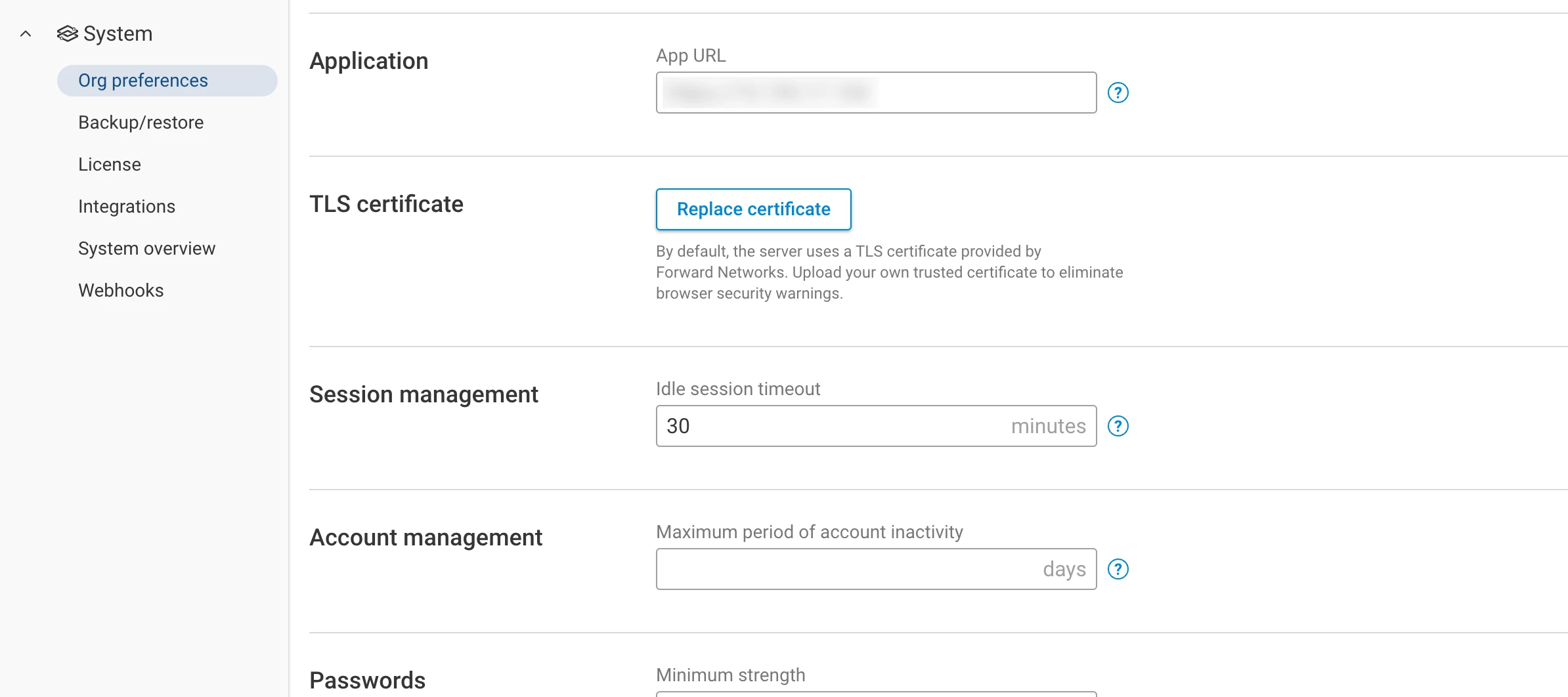
This feature provides the option to set the maximum inactivity time for local accounts. Once the account has been inactive for more than the maximum allowed days, the account will be disabled. The Org Admin can enable the account again by navigating to the User Accounts page by navigating to: Settings -> Accounts -> User Accounts.
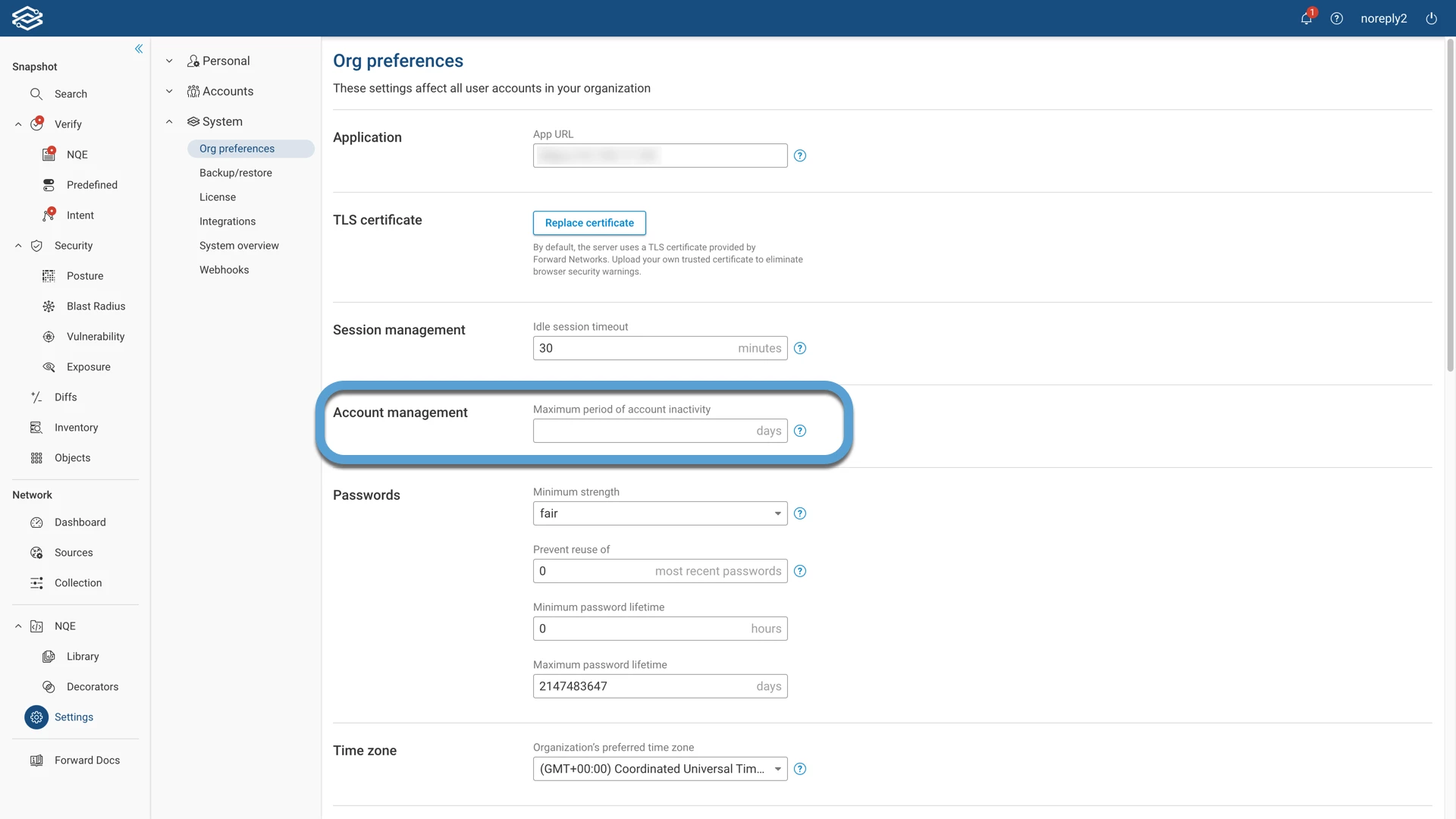
For more information, visit the Disabling inactive accounts page.
Enabling and Disabling vCenter Collection
This feature improvement provides the ability to disable and enable vCenter collection without deleting and reconfiguring the collection settings.