


Understanding how your network evolves is crucial, especially for spotting configuration changes and potential vulnerabilities. Forward Enterprise makes this process intuitive—even if many snapshots aren’t fully processed. Let’s walk through how to reveal changes and vulnerabilities without processing every snapshot.
Step 1: Go to a processed snapshot in your network inventory.
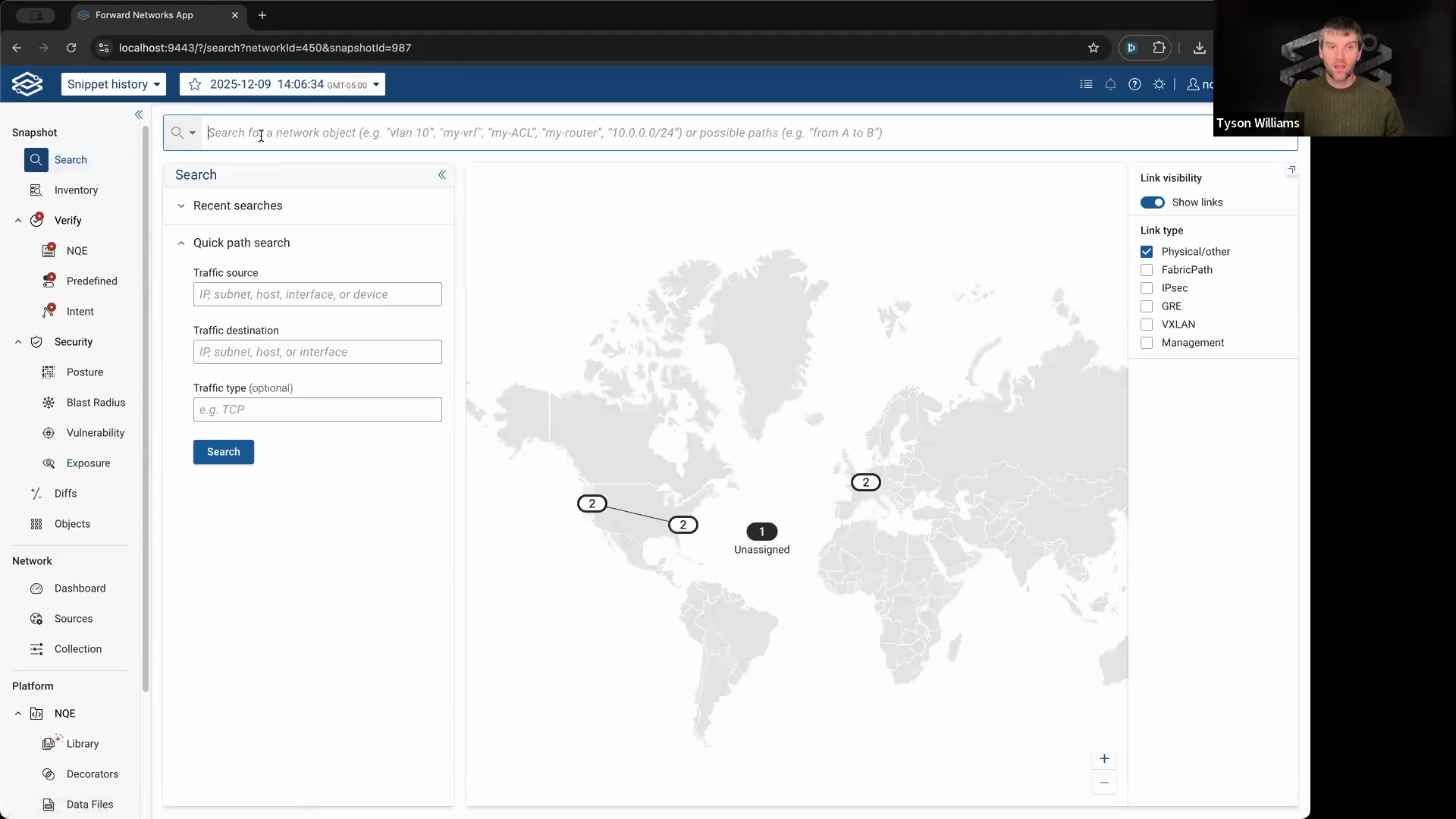
Step 2: Find and select the device you’re interested in. Open its device card and view its configuration. This shows the current state, but you can also check its history to see all changes over time.
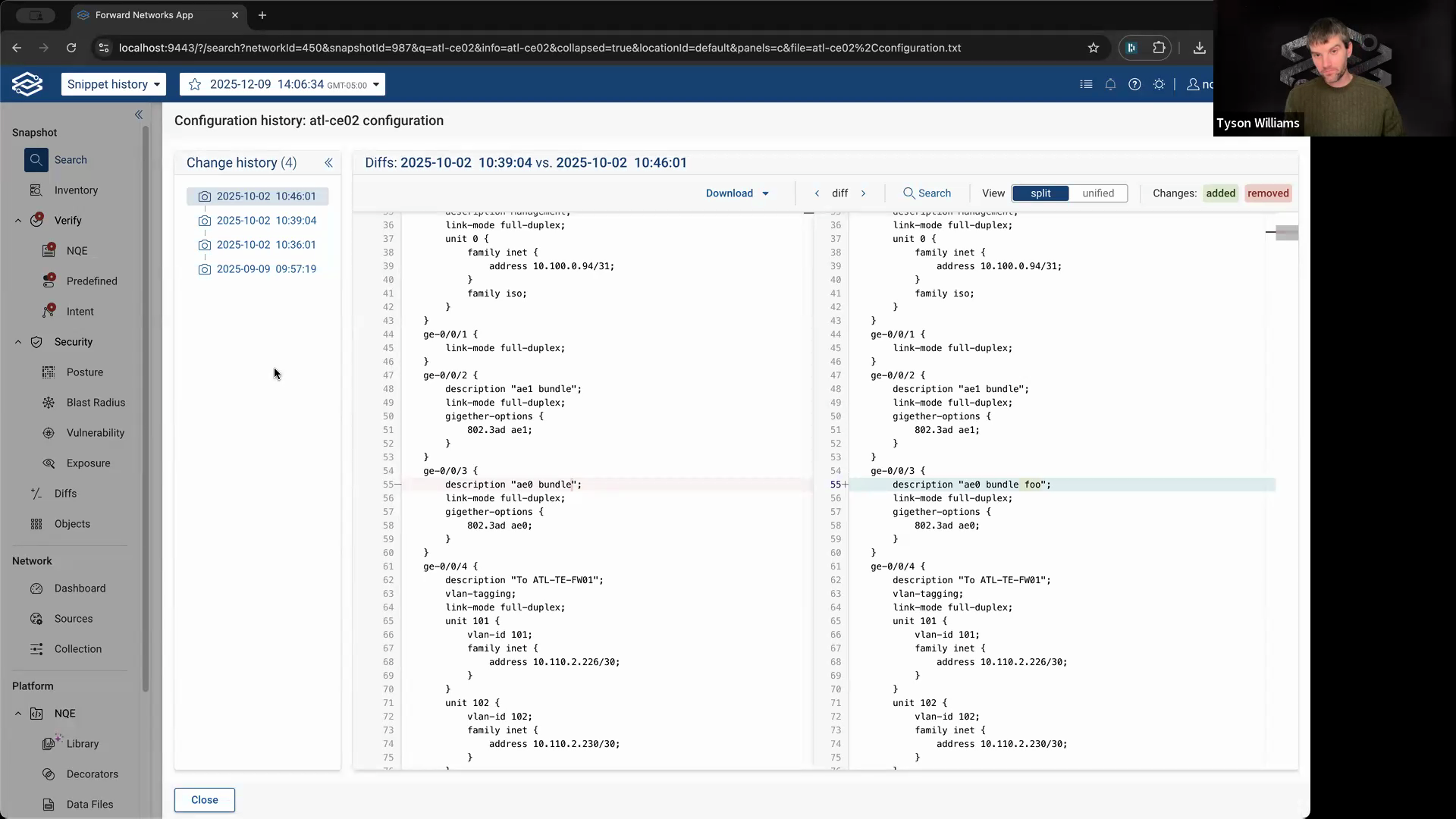
Step 3: Review the configuration history to spot changes. Look for when lines were added or modified. For example, if the text “foo” was added recently, you’ll see exactly when that change happened. The history view highlights both recent and older changes, including when the entire configuration was first introduced.
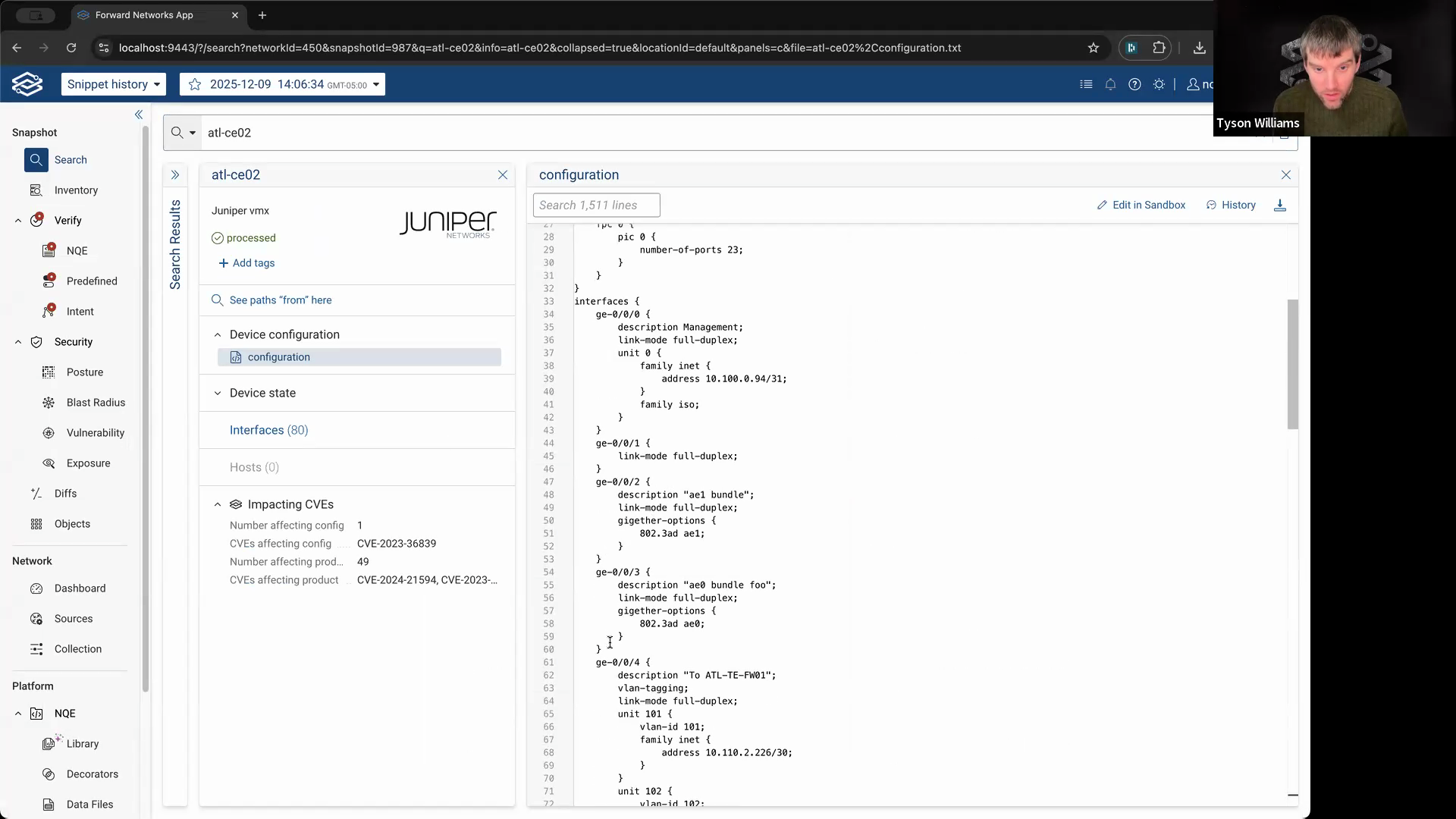
Step 4: To examine specific lines, highlight them in the config, right-click, and choose View history of selection.

This will show every time those particular lines changed—helpful for pinpointing exactly when a setting appeared.
Step 5: Use vulnerability analysis to find devices that match known risky configurations. Filter to CVEs with vulnerable configuration enabled. Select a CVE to investigate.
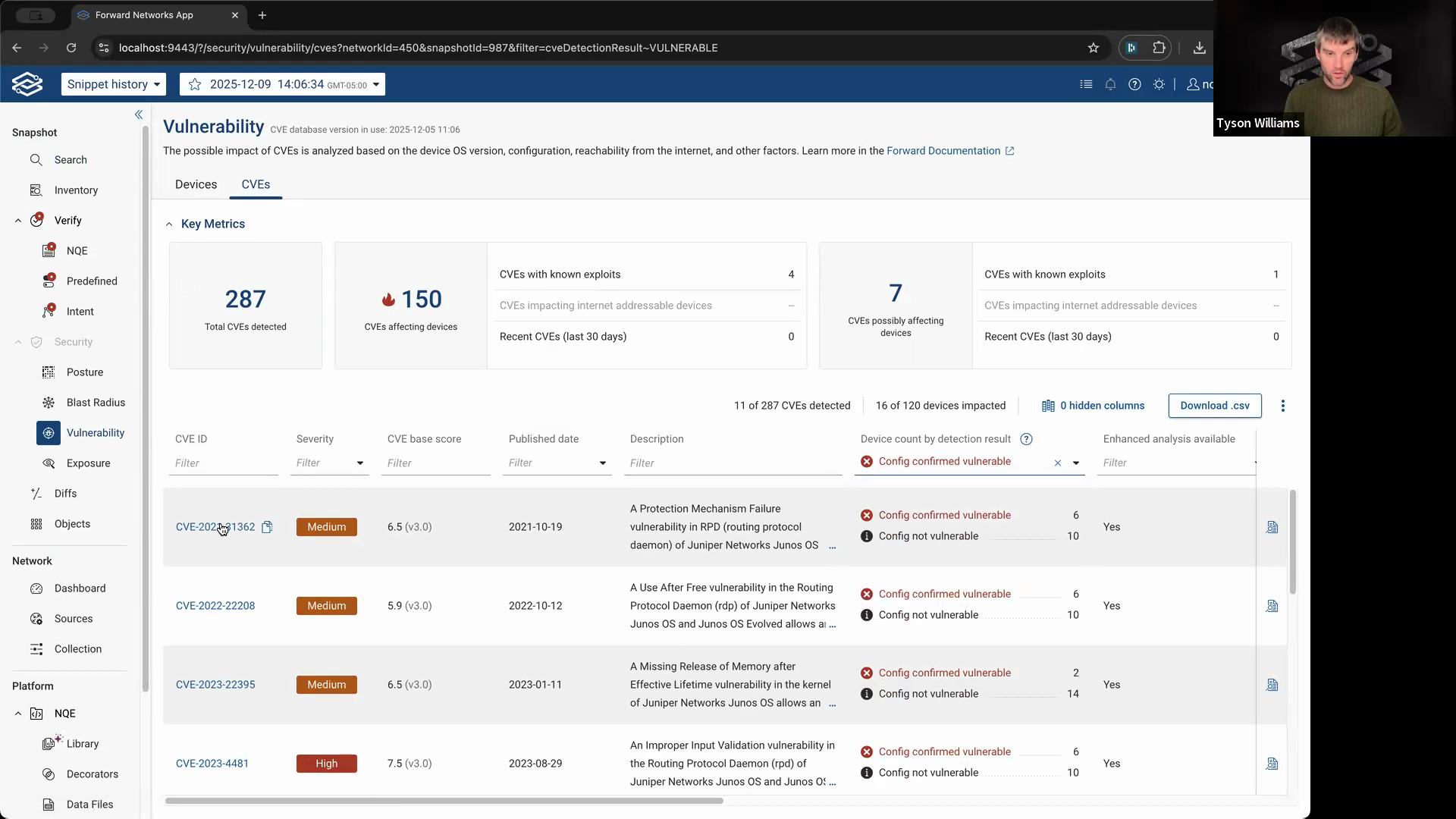
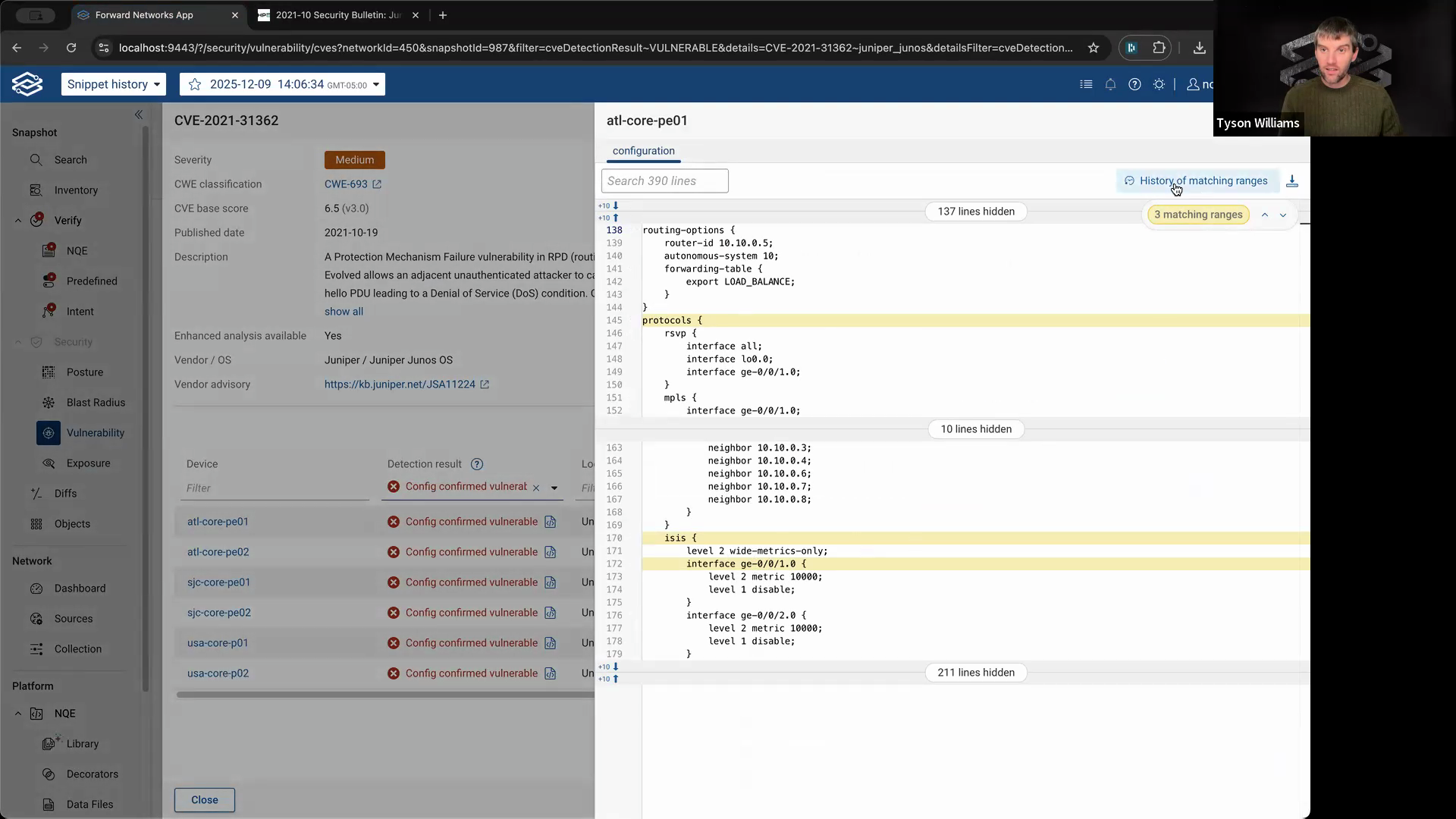
Step 6: View where the vulnerable lines appear in each affected device’s configuration.
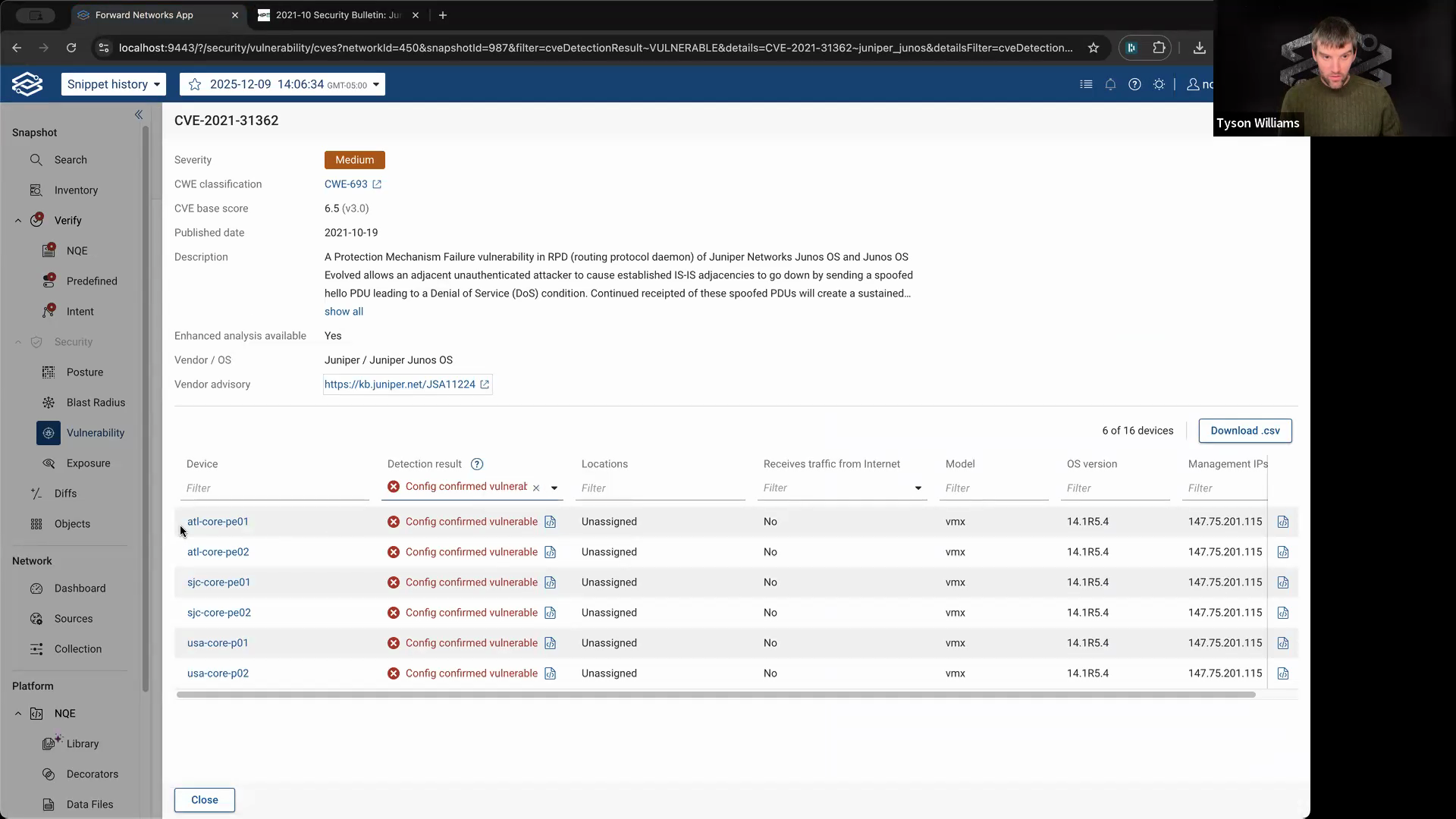
Step 7: Click History of matching ranges to see when those vulnerable lines were introduced and if they ever changed.
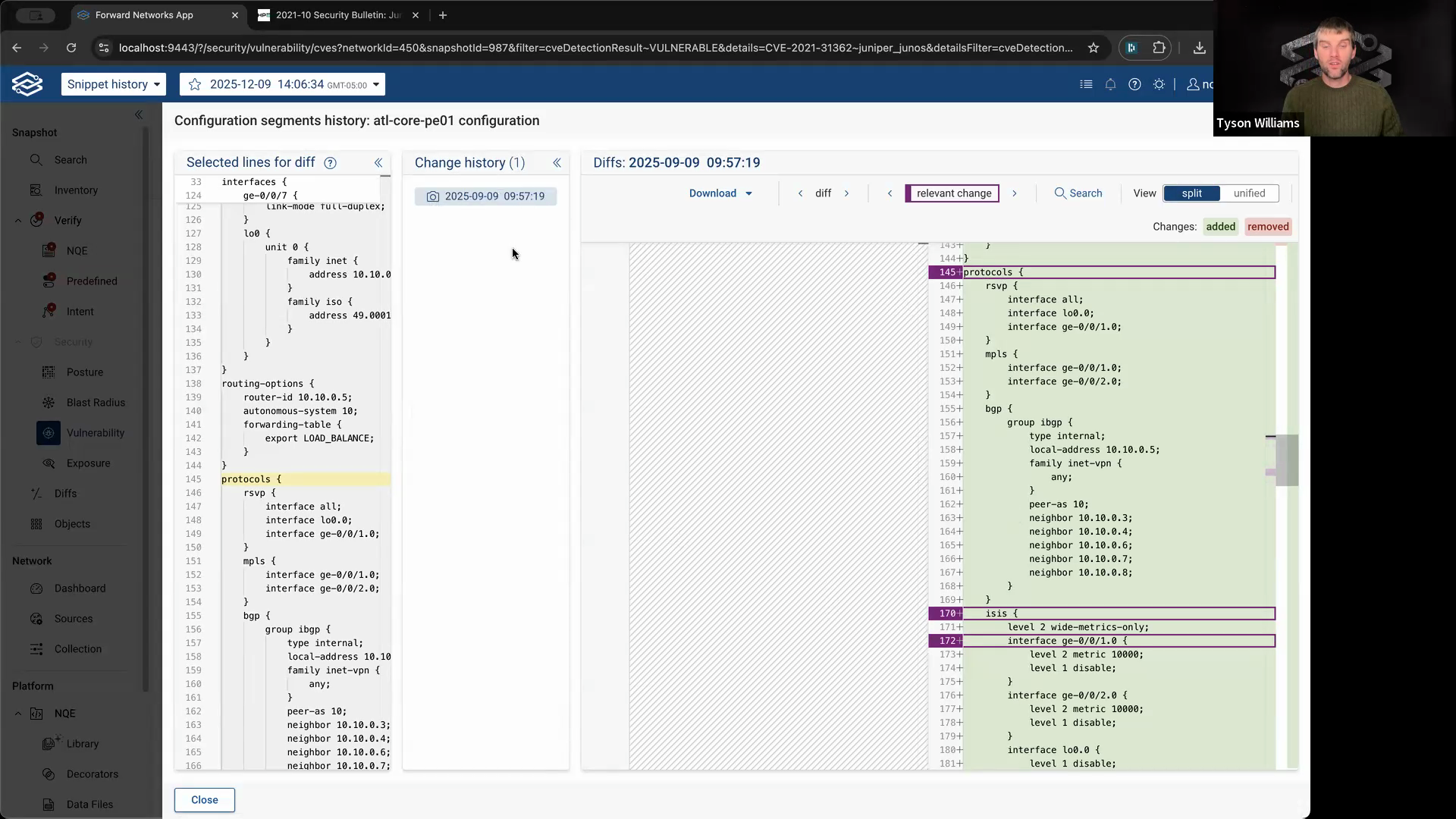
If the only change was when the device was added to the network, you know the vulnerability has been present since that initial timestamp.
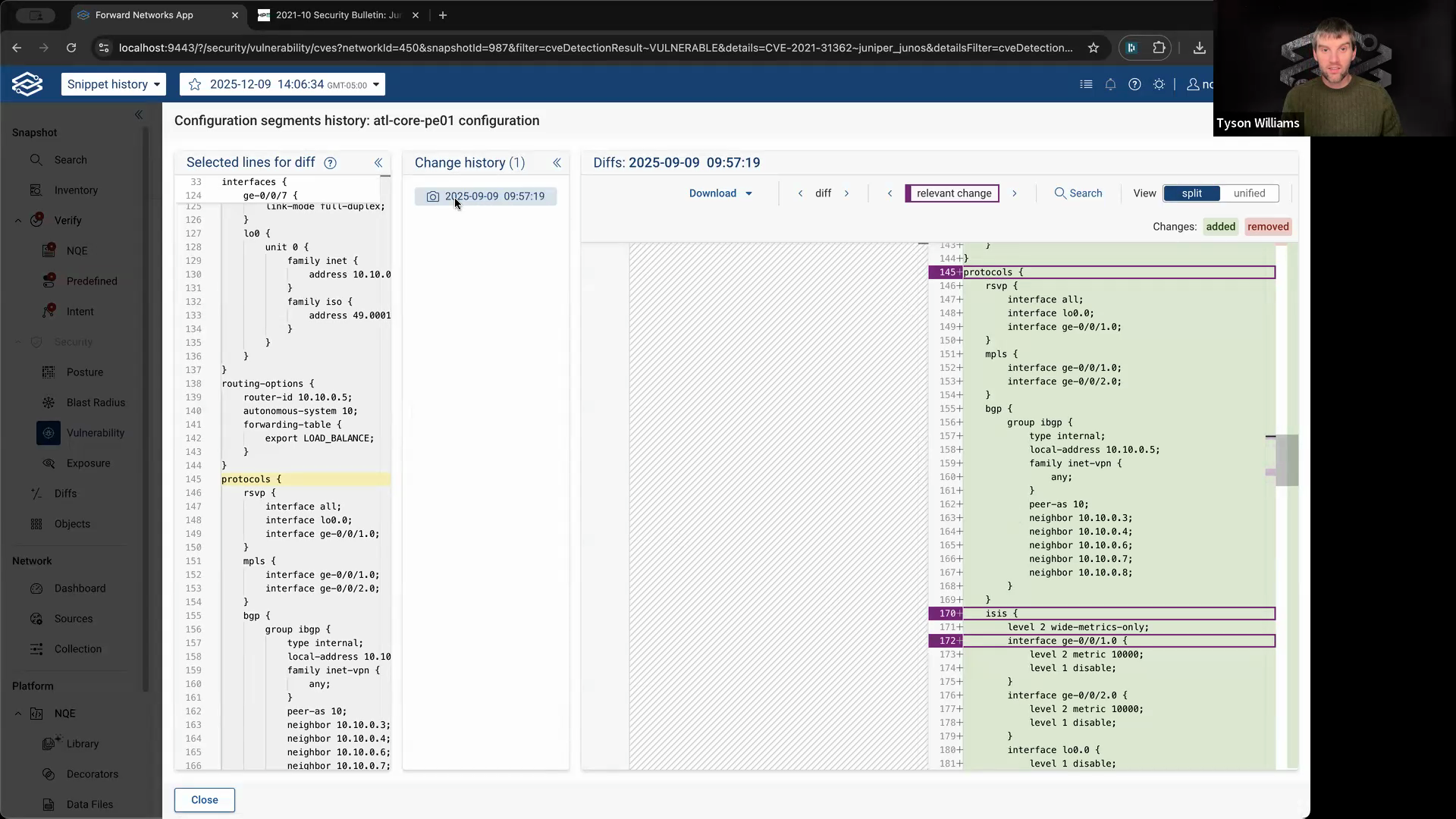
Step 8: Use this information to answer security questions confidently. For example, you can quickly tell your security team how long a device has been vulnerable based on its config history.
Full config history and targeted config search in Forward Enterprise empower you to understand and track how your network changes over time. Use these tools to stay on top of configuration drift and respond to vulnerabilities more effectively.